Blog
Edit Word and Excel in the browser — no upload, no account, free.
Privacy
Editing DOCX Without Upload: A Practical GDPR Privacy Boundary
A Word document can contain far more personal data than its filename suggests: applicant details, an employee warning, customer rates, medical appointment note…
Read moreProductivity
Edit Word Files Without a Microsoft 365 Subscription
You receive three Word files in a quiet month: a client brief, a contract with one wrong date, and an invoice template. Paying for a full office subscription m…
Read moreProductivity
Google Docs Broke Your Word Formatting — Edit Native DOCX Instead
Google Docs broke your Word formatting after a roundtrip? Skip the conversion next time: edit the original .docx in the browser, download Word again — no Googl…
Read moreProductivity
Edit WhatsApp DOCX on PC — No Google Drive, No Account
Edit a WhatsApp DOCX on your PC without Google Drive: download the attachment, open it in the browser, edit, and send the same .docx back — no account, no acci…
Read moreMicrosoft Word
Edit DOCX on Mac or Chromebook Without Word — Fidelity Guide
Edit DOCX on Mac or Chromebook without Microsoft Word: open the file in Safari or Chrome, edit everyday text, download, and check it before you send — no Offic…
Read more
Productivity
How to Edit XLSX Spreadsheets Online (No Account, No Upload)
Someone sends you a .xlsx budget, roster, or price list. You are on a Chromebook, a library PC, or any machine where installing Excel or signing into Microsoft…
Read more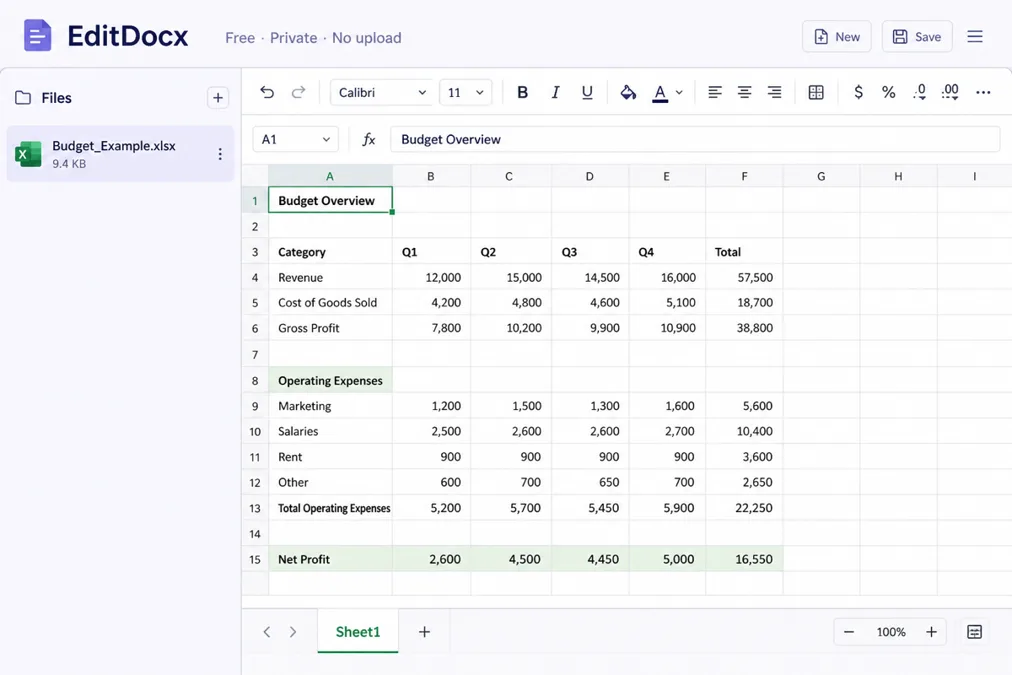
Productivity
How to Edit Word Online Free — No Account, No Upload
How to edit Word online free with no account: open the file in your browser tab, change what you need, and download — document content is not uploaded to EditD…
Read more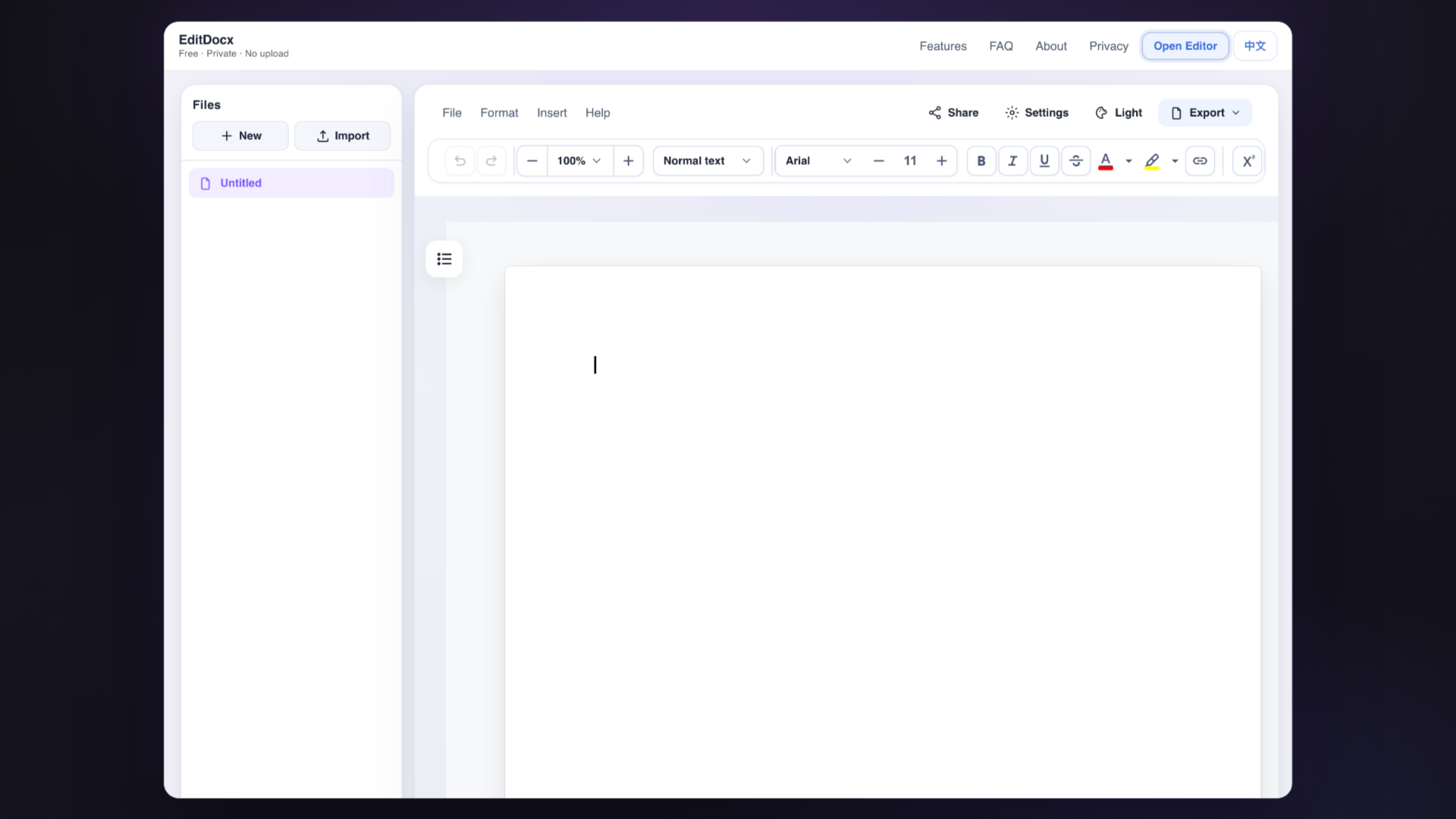
Productivity
Microsoft Account vs Local DOCX Editing: What Changes
Word Online connects identity, OneDrive storage, sharing links, and Microsoft 365 collaboration. That bundle is powerful for ongoing team work inside a tenant.…
Read more
Productivity
EditDocx vs Word Online, Google Docs, Excel Online, and Sheets
You’ve got a .docx or an .xlsx and no desktop install. Search will show Word Online, Google Docs, Excel Online, Google Sheets, and smaller tools like EditDocx.…
Read more
Privacy
Private DOCX Editing Without Upload — No Account, No Cloud
Edit DOCX without upload: the document stays in this browser tab while you work — no account, and document content is not sent to EditDocx servers for editing.…
Read more