What can I edit in an .xlsx here?
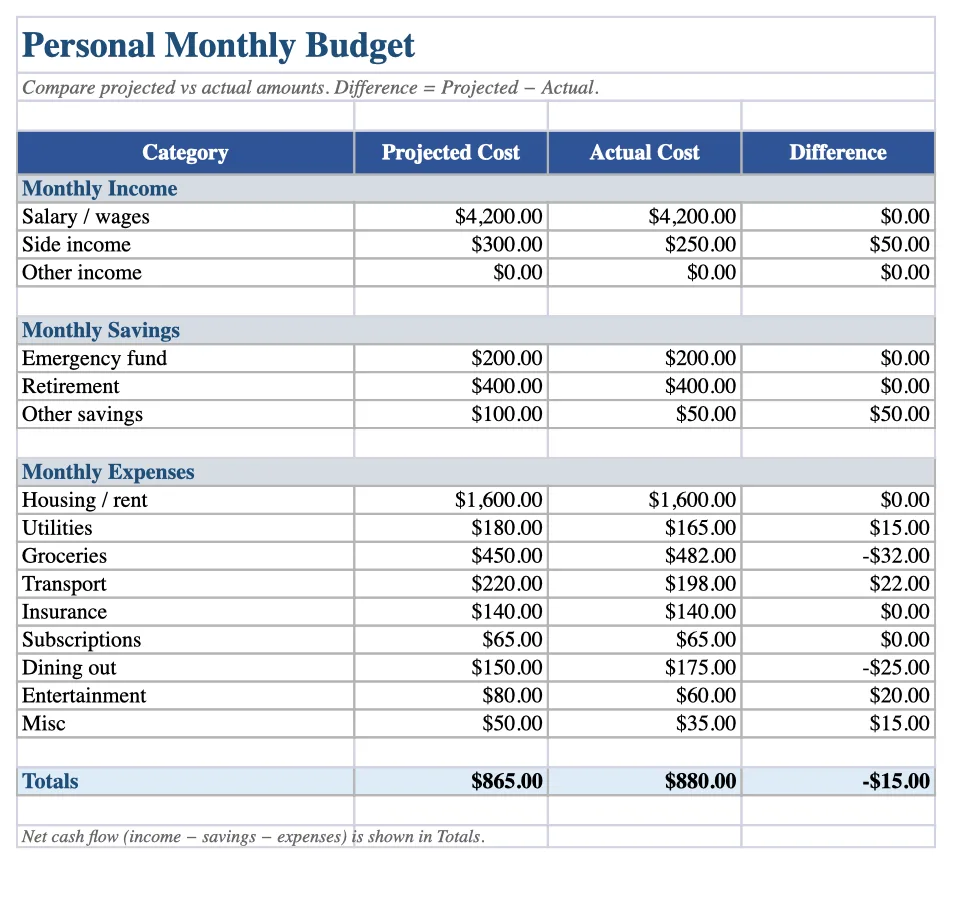
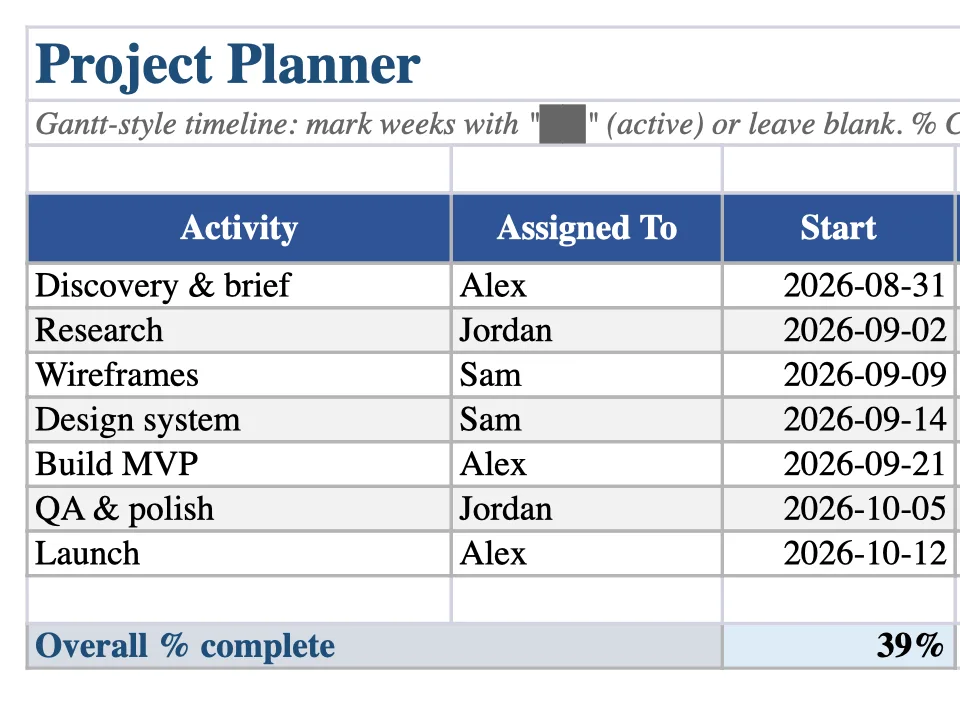
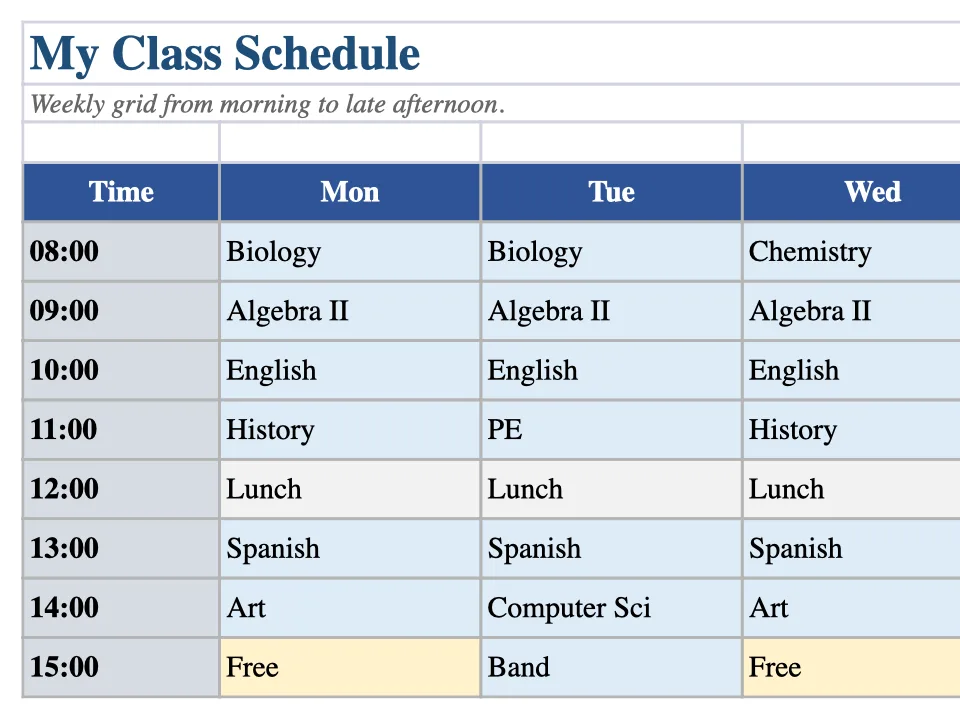
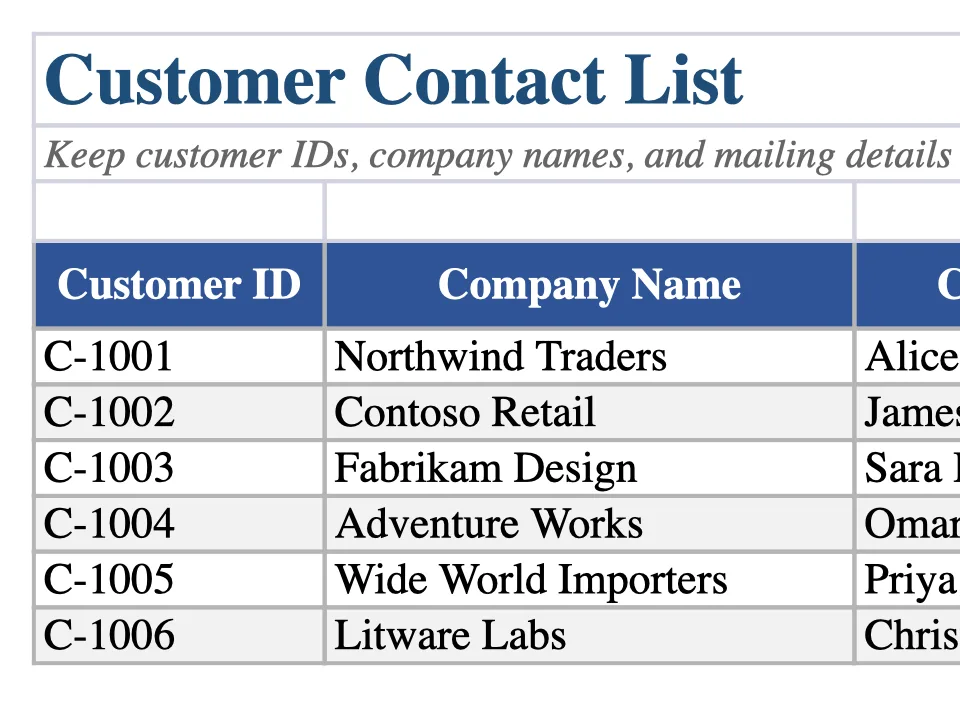
Multi-sheet tabs, cell values, common formulas, merged cells, column widths and row heights, and basic cell styles such as bold, colours, alignment, and number formats. You can also insert or import spreadsheet charts — column, bar, line, area, pie, doughnut, scatter, bubble, histogram, and combo — and downloads keep them as editable Excel chart objects.
Which Excel features are not supported?
Pivot tables, images inside sheets, conditional formatting, data validation, and password-protected or encrypted workbooks are not supported. EditDocx is not desktop Excel — use Microsoft Excel or Excel Online when you need pivots, Power Query, or live co-authoring. Spot-check critical formulas after you download.
Do I need Microsoft Excel or a Microsoft account?
No. You do not need Excel installed and you do not need a Microsoft, Google, or EditDocx account. Open this page in a modern browser, import the .xlsx, edit, and download.
Does EditDocx convert my workbook to Google Sheets?
No. The file stays a native .xlsx the whole way through — import .xlsx, edit, download .xlsx. There is no conversion hop through Google Drive or Sheets, so your formulas and layout are not rewritten into another format.
Can I download a real .xlsx file at the end?
Yes. Download the edited workbook as .xlsx and reopen it before you send it on. Edited downloads do not receive an EditDocx watermark, and there is no account-based save quota. Browser memory and the 20MB recent-file limit still apply.