

Can I fill in a PDF without uploading it?
Yes. The PDF you open, what you type, and the file you download stay in this browser tab — they are not uploaded to EditDocx servers. No account is required at any step.
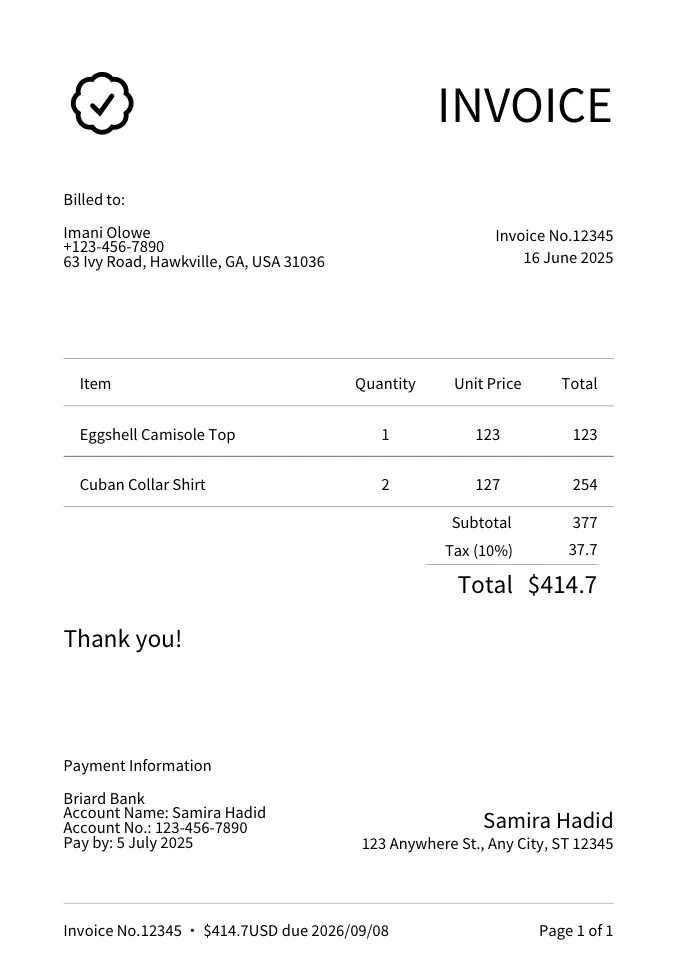
Free online PDF filling with no signup and no login: open a form, a certificate, or an invoice that needs a signature, type into it, sign it, and download — the original page is left alone.
Opens a blank page — drop your PDF on it.
| Capability | In the browser | Needs a PDF editor |
|---|---|---|
| SupportedType into a PDF you already have — names, dates, amounts, notes | Supported | |
| SupportedTick checkboxes and pick from a list | Supported | |
| SupportedSign it — draw a signature, or place an image of one | Supported | |
| SupportedPut text or a picture anywhere on the page | Supported | |
| SupportedStart from a blank page or a ready-made form instead | Supported | |
| Not supportedRewrite or reflow the existing paragraphs | Not supported | |
| Not supportedMerge, split, or compress files | Not supported | |
| Not supportedRemove a password or unlock a file | Not supported | |
| Not supportedOCR — reading text out of a scan | Not supported |
For anything marked ✕ above — or for editing the document itself rather than filling it in — use Acrobat, Preview, or another full PDF editor. What you download here is your original page with your entries placed on top of it.
Pick one and it opens in the filler, fields already placed.
The same tool, told as the no-account, no-upload case: what you skip and what you get.
Print, sign, scan is not the only way — do the whole thing in the browser tab.
Free, no account, and the page stays on your device.
Open the PDF filler